Get DoorPact on any device
Install DoorPact directly from your browser — no app store required. Works on iPhone, Android, tablets, and desktop.


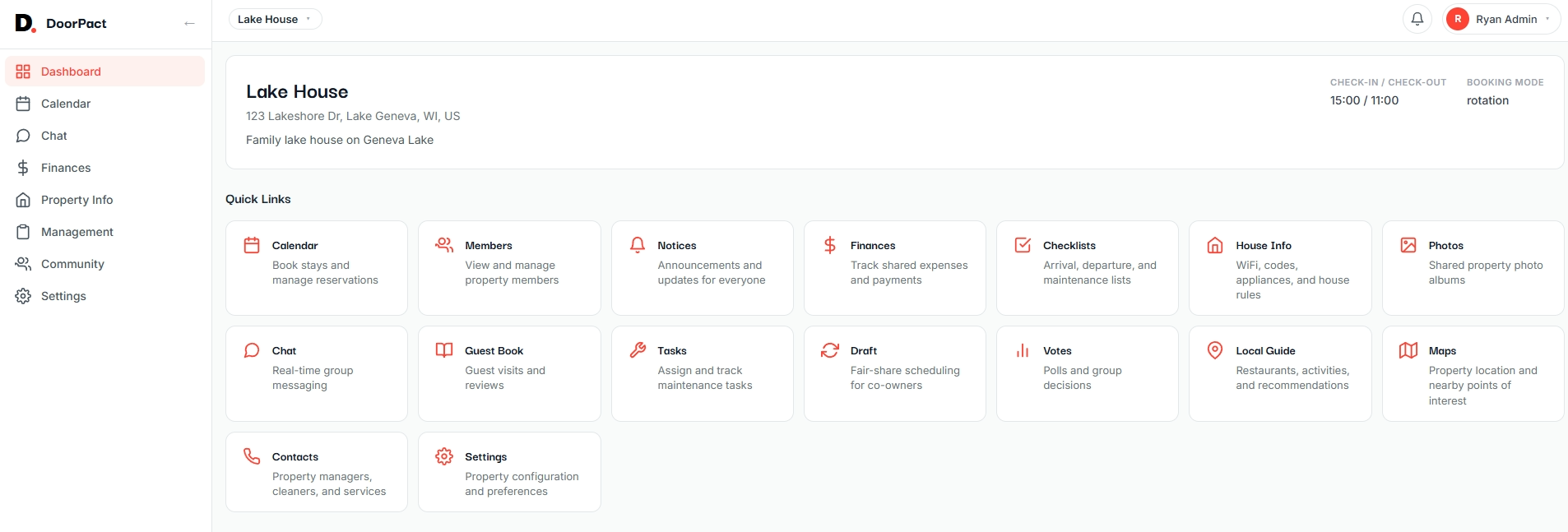
Install in seconds
DoorPact is a progressive web app (PWA) — it installs from your browser and works just like a native app, with offline support, push notifications, and a home screen icon.
iPhone & iPad
- 1 Open Safari and go to app.doorpact.com
- 2 Tap the Share button at the bottom of the screen
- 3 Scroll down and tap "Add to Home Screen"
- 4 Tap "Add" — DoorPact now appears on your home screen
Android
- 1 Open Chrome and go to app.doorpact.com
- 2 Tap the menu (three dots in the top-right corner)
- 3 Tap "Install app" or "Add to Home screen"
- 4 Confirm — DoorPact installs like any other app
Desktop (Mac, Windows, Linux)
- 1 Open Chrome, Edge, or Brave and go to app.doorpact.com
- 2 Click the install icon in the address bar (or Menu > Install DoorPact)
- 3 Click "Install" — DoorPact opens in its own window
Why install the app?
Instant access
Launch DoorPact from your home screen — no browser needed
Push notifications
Get notified about bookings, messages, and task updates
Full-screen experience
No browser chrome — feels just like a native app
Always up to date
No manual updates — the app stays current automatically
Works on every device
One app for iPhone, Android, tablet, and desktop
Prefer the browser? No problem.
Open in BrowserAlso available on
Don't have an account yet?
Start your 30-day free trial — no credit card required. Set up your first property in minutes.
Start Free Trial